Bystander Video Blur
Auto-blur bystander faces or track objects with AI. Private on-device processing. Great for creators and vloggers to protect privacy in any public footage.
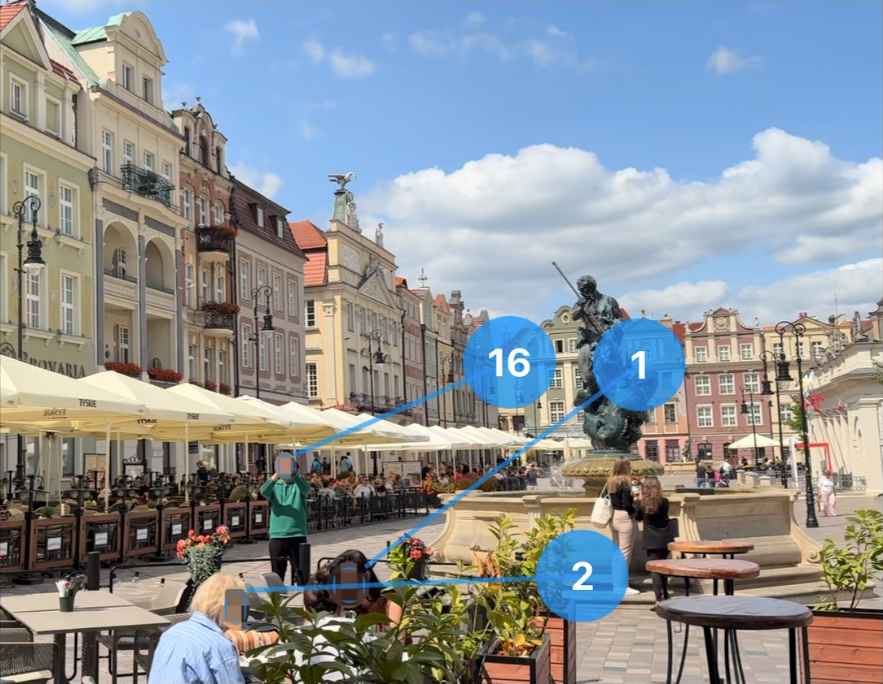
Safeguard your privacy and the privacy of others with Bystander Video Blur. Our app uses AI to automatically detect and blur faces in your videos, helping you share your moments while reducing the risk of exposing strangers or violating social media policies. Whether you are a vlogger filming in a crowd, a journalist protecting a source, or just sharing a family memory, Bystander Video Blur simplifies the process of anonymization.
Automatic Face Detection
Instantly identifies faces in your video and applies a mask.
Privacy First
All video processing is performed locally on your device. Your videos are never uploaded to a server, ensuring complete privacy.
Selective Unblur
Detected a face you want to show? Simply tap on the face to remove the blur. Ideal for keeping the main subject visible while hiding the background crowd.
Object Tracking
Need to hide a license plate, a credit card, or a specific logo? Long-press and drag to select any object, and the app will automatically track and blur it across frames.
Customizable Styles
Choose your preferred look. Options include Pixelate (Mosaic) or Blur, in both Square and Circle shapes. You can even use a custom image to cover faces.
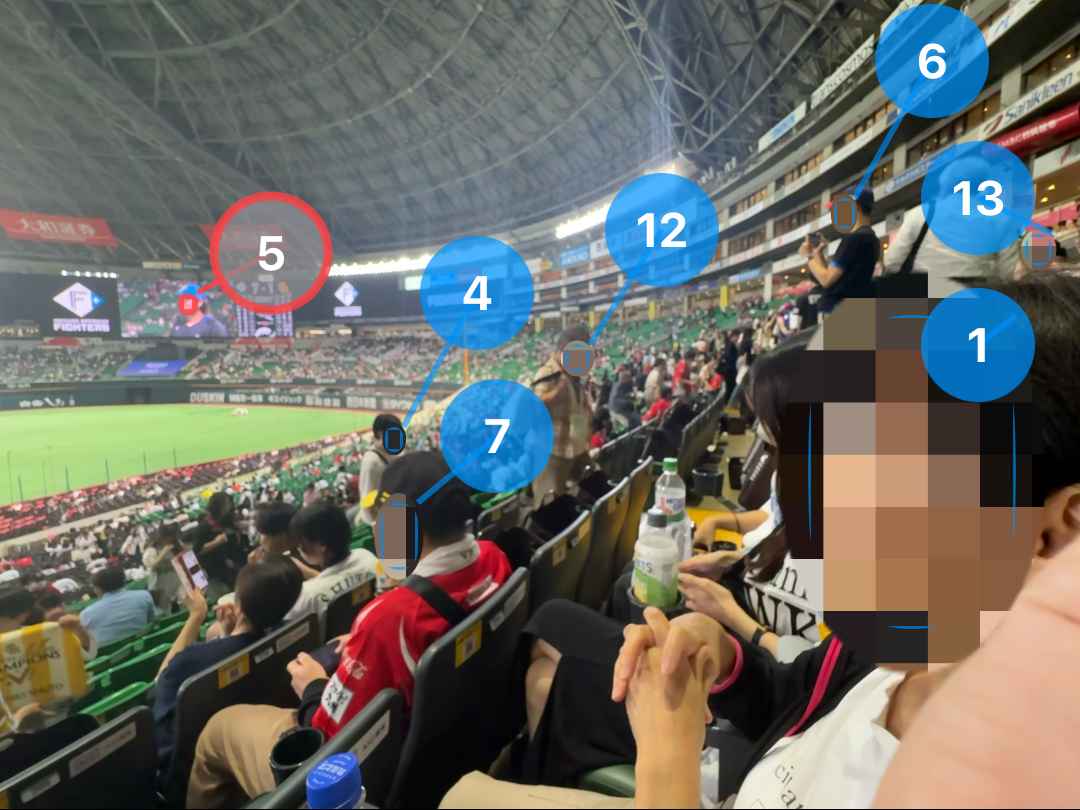
Selective Unblur
Object Tracking